Staff clock in systems compared: app, NFC and more
Compare paper, mobile app, kiosk, QR and NFC attendance methods by workplace fit, practical requirements and review needs, without inflated proof claims.
By The TeamZap Team · · Updated · 3 min read
In this guide
Choose a clock in method around where staff work, what devices they can use and how managers will review exceptions. NFC suits a fixed tap point, while mobile location checks can provide context at a workplace. Paper and shared terminals have different operational tradeoffs.
No method removes the need for clear instructions and a correction process.
Compare the practical fit
| Method | Useful setting | What to plan for |
|---|---|---|
| Paper or spreadsheet | A simple process or agreed fallback | Legible entries, review and controlled versions |
| Mobile app | Staff using their own compatible phones | Account access, connectivity and location permissions |
| Shared kiosk | A fixed workplace with a shared terminal | Hardware, access method, queues and maintenance |
| QR code | A camera based entry point | Lighting, compatibility and the security of the underlying flow |
| NFC sticker | A fixed entrance or staff clocking point | Compatible phones, sticker placement and clear confirmation |
This compares general approaches. It is not a list of features included in every TeamZap account.
NFC uses a small physical tap point
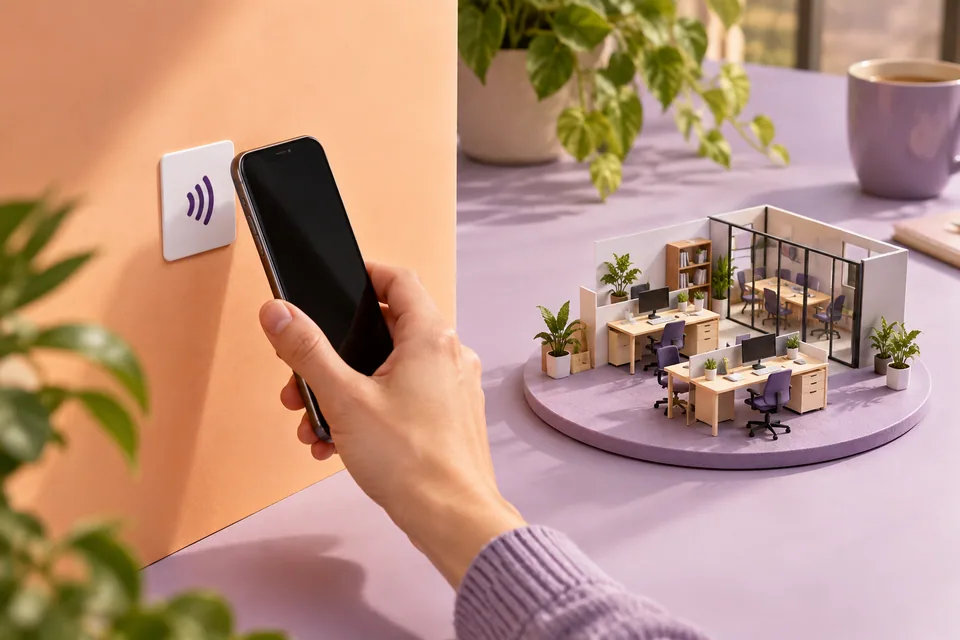
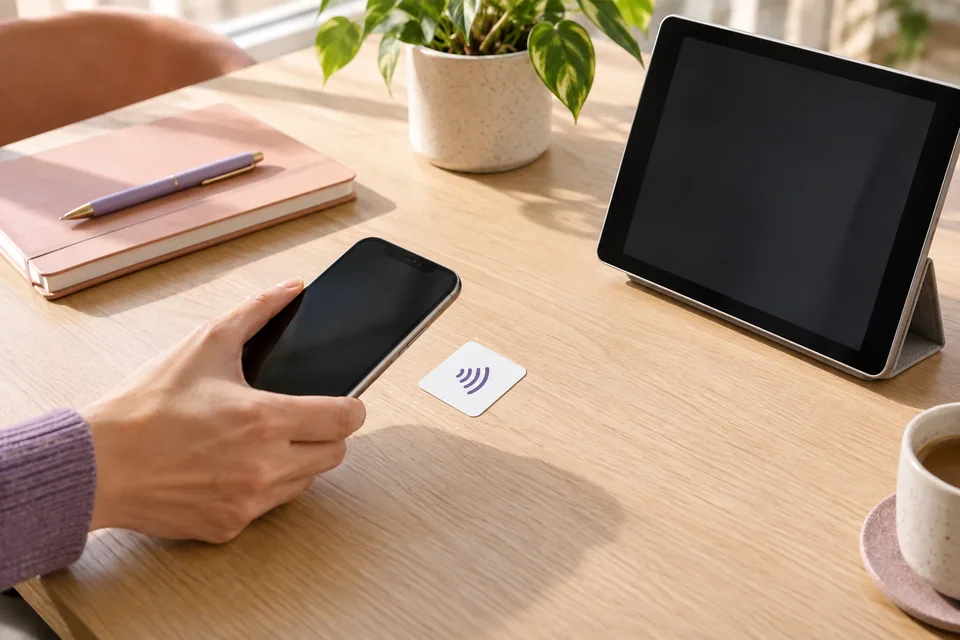
A flat square adhesive NFC sticker provides a convenient place for a compatible phone to begin the clocking flow. Staff follow the confirmation shown on their device.
The sticker is not a powered wall terminal. It still needs a properly configured workflow and a staff member who understands what confirmation looks like.
See NFC clock in explained and the setup checklist for placement, phone checks and the first trial.
Geofencing adds location context
A geofence is a virtual boundary around the workplace. The phone's location at clocking can be compared with that boundary.
In TeamZap, an outside result is recorded for review rather than preventing the clocking event. An unavailable or inaccurate location needs investigation. It should not automatically become an accusation or a pay decision.
The geofencing guide explains inside, outside and unavailable results in more detail.
Think about the whole attendance record
An account, PIN, phone location or NFC event is not conclusive proof that a particular person performed work for an entire shift. Review records in context and use an appropriate process when something is unclear.
Ask how a method handles missing clock outs, overnight shifts and correction requests. The quality of the exception workflow matters as much as the first clock in.
Trial the method at the real workplace
Test the actual entrance, phones and working conditions. Confirm that staff can identify a successful clock in and clock out. Check where the manager sees the record and how an employee reports a mistake.
Include someone who works a different shift and someone who may need help with the app. An office demonstration cannot reveal every practical problem at a busy entrance.
Choose the method and the review routine together
TeamZap connects NFC and mobile attendance with the wider HR workflow. Managers can review hours before they move into payroll preparation.
For a fixed entrance versus dispersed workplaces, use the NFC or geofencing decision guide. For incomplete records, start with the missing clock out checklist.
Frequently asked questions
Does an NFC tap prove who worked a shift?
An NFC event is part of an attendance record. It is not conclusive proof of identity, presence throughout a shift or work performed.
Which clocking methods does TeamZap support?
TeamZap's attendance offering includes NFC sticker and mobile clocking workflows. Check the current product page for your setup rather than assuming every method in this general comparison is available.