
Staff messages
Talk one to one, in group chats or team channels. Give work conversations a home your team can find.
TeamZap · All in one HR for shift based teams
From the first clock in to the next holiday request, manage your people in one place. TeamZap connects NFC and location aware attendance, rotas, annual leave, staff messages and employee records, with a mobile app for your team.
Free for early customers. No payment card required.
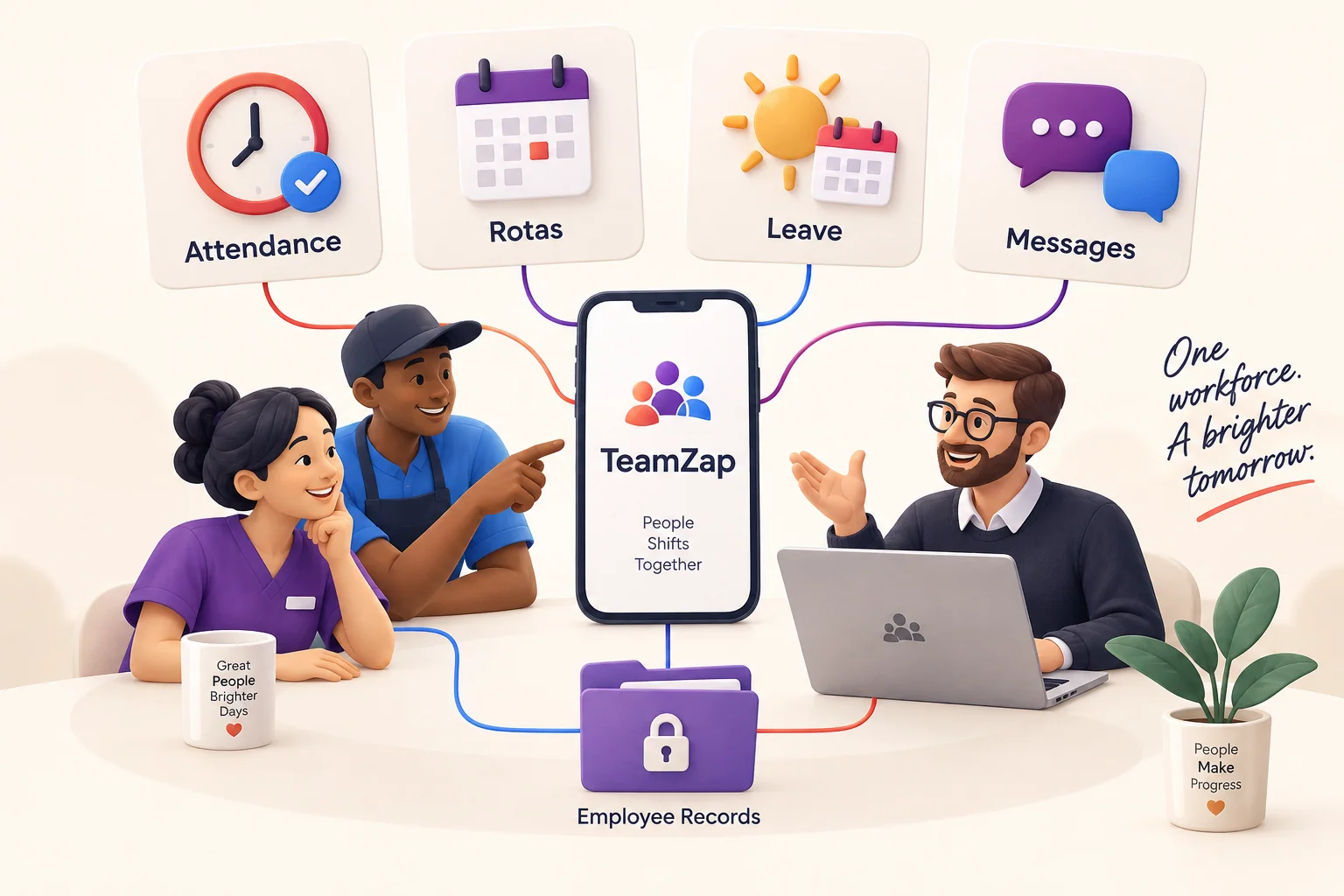
More time for your people
Give managers a clear place to organise work and staff a simple way to stay connected. Hours, holidays, rotas and updates belong together, not across spreadsheets, paper forms and scattered messages.
01 / NFC tap to clock
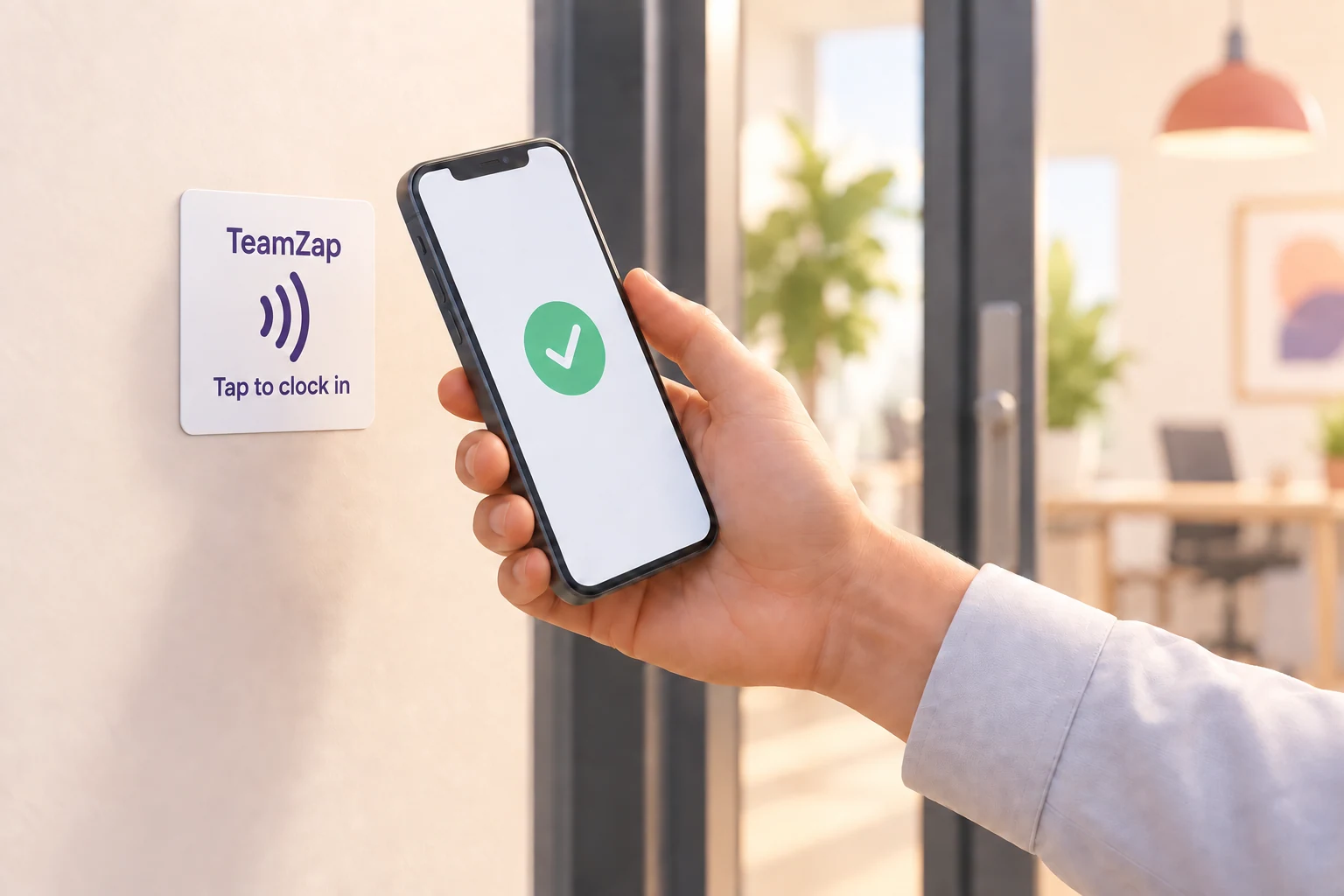
No attendance book. No times to type into a spreadsheet. Staff tap their phone at your workplace’s NFC point, confirm their clock in or clock out, and their attendance is recorded in TeamZap.
Staff can also clock in through the mobile app. NFC uses a supported phone and an activated workplace tag; a tap opens the journey and the employee confirms the action.
02 / Location aware attendance
A geofence is a virtual boundary around your workplace. When staff clock in on their phone, TeamZap can compare the phone’s reported location with that workplace area.
The phone’s reported location falls within the workplace boundary. TeamZap records the result alongside the attendance event.
TeamZap records location for review; it does not block off site clock ins. GPS can be imprecise and location may be unavailable. This illustration explains the location check; it is not a live map or a product screenshot.
Staff rota scheduling
Plan next week in a rota the whole team can follow. Keep people, roles and workplaces together, with a clear route to arrange cover when plans change.
Build weekly rotas from templates or copy a previous week. Review warnings for overlapping shifts, approved leave, rest periods and missing skills as you plan. Publish the rota to your team’s phones, then manage open shifts and swap requests with manager approval.

Annual leave made simple
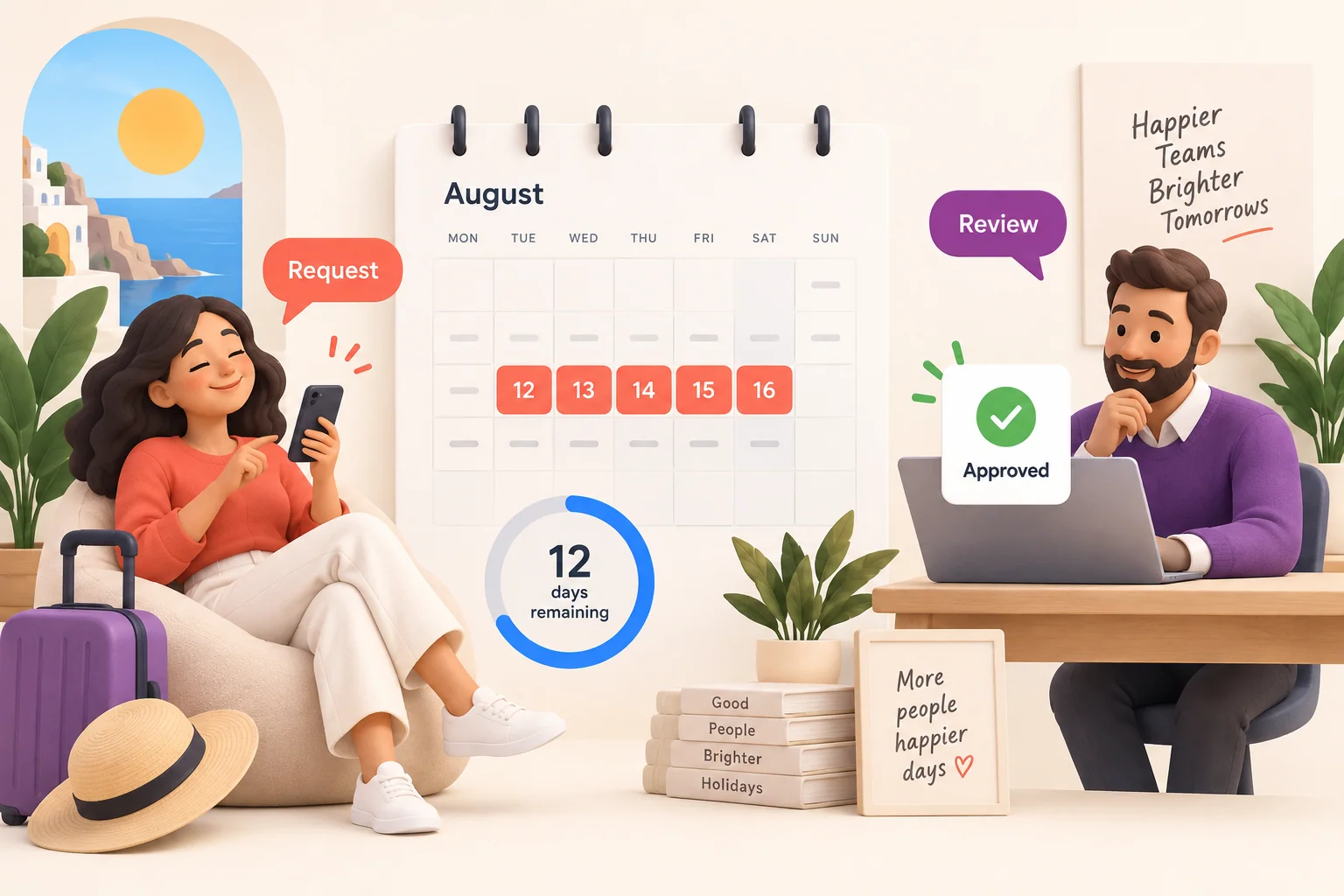
Staff request time off and check their remaining allowance on their phone. Managers review requests in one place, see who is away and keep the team’s holiday plans organised.
Keep entitlement calculations, used leave, remaining balances and carry forward together. Approved leave feeds into rota checks, helping you spot clashes before publishing. Supported calculations depend on the employee’s country, working pattern and leave settings.
✓ Requests and decisions in one place
✓ Clear allowances and remaining balances
✓ Leave calendar and rota conflict checks
For the people doing the work
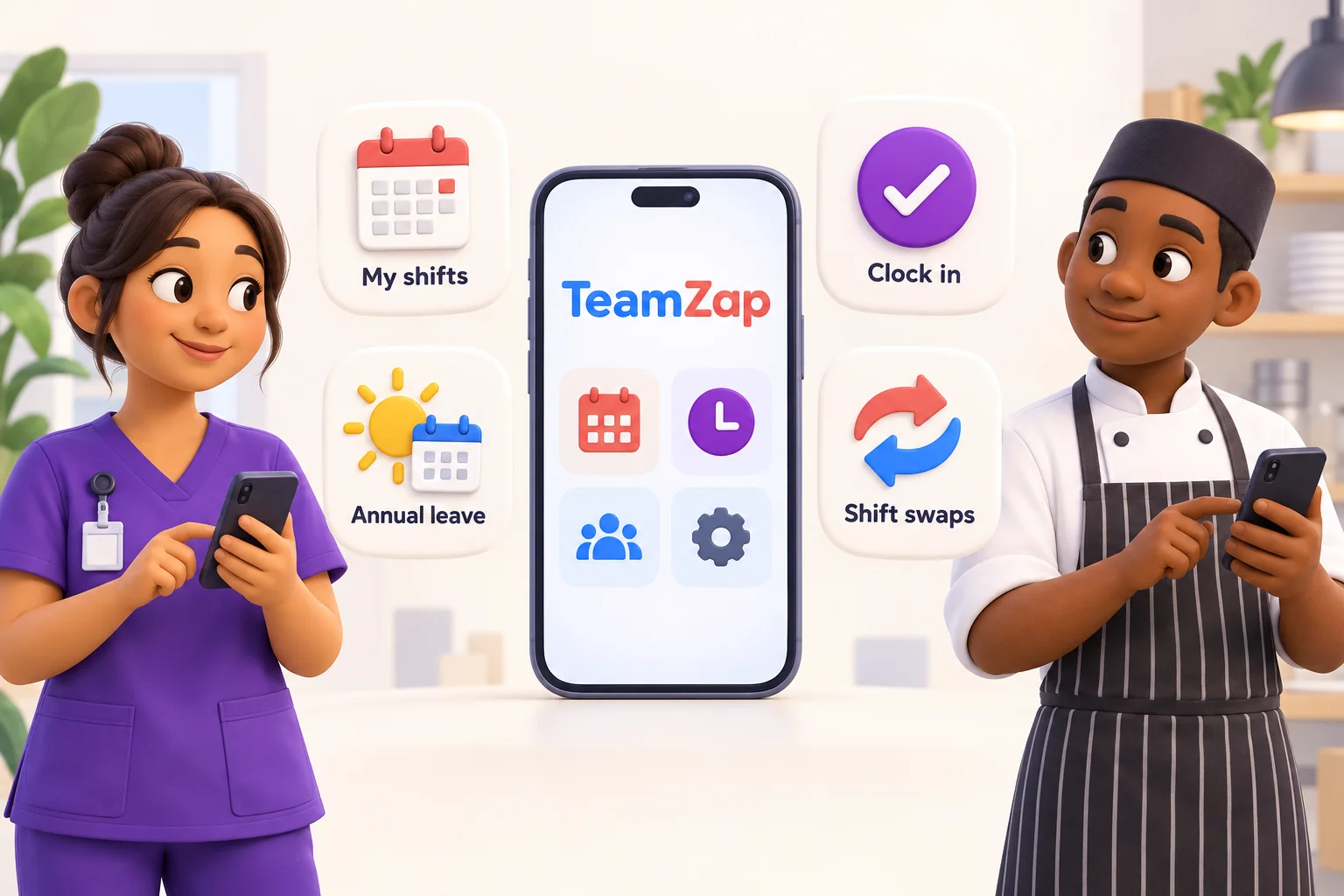
Give every member of staff one app for the everyday essentials: their rota, shifts, annual leave, clock in and team updates.
Staff see their published shifts, role and workplace in the app. When plans change, they have a place to check the current rota.
Plus team messages, workplace notices and staff documents, together in TeamZap.
One connected working day
Explore the main areas of TeamZap. Each brings the related tools together, from rota planning and shift cover to attendance, payroll preparation and staff communication.
Build rotas, reuse schedules and manage open shifts and swaps with manager approval.
Explore Rota & SchedulingNFC and mobile clock in, geofencing, breaks and timesheet review in one place.
Explore AttendanceAnnual leave requests, entitlement calculations, balances, approvals and a shared calendar.
Explore Leave ManagementWorkforce reports, location comparisons, exports, scheduled email delivery and activity history.
Explore ReportsPrepare pay periods from reviewed hours, check adjustments, lock and export for payroll.
Explore Payroll PreparationStaff chats, channels, announcements, notices and acknowledgements managed by your business.
Explore Messaging & NoticesDocument templates, packages, versions, employee files and electronic signature tracking.
Explore HR DocumentsExpense reports, receipt evidence, mileage claims, policies and manager approvals.
Explore Expenses & MileageEmployee records, imports, profile completeness, locations, access and onboarding.
Explore Employee ManagementCourses, sessions, enrolments, certificates, qualifications and training matrix review.
Explore Training & QualificationsAssigned checklists for onboarding, offboarding, opening, closing and workplace routines.
Explore Checklists & OnboardingShifts, clock in, annual leave, cover requests and work updates on staff phones.
Explore Staff Mobile AppMade for real working days
The morning rush, the night shift and the last minute absence each create different staffing pressures. Explore how TeamZap fits your working day.
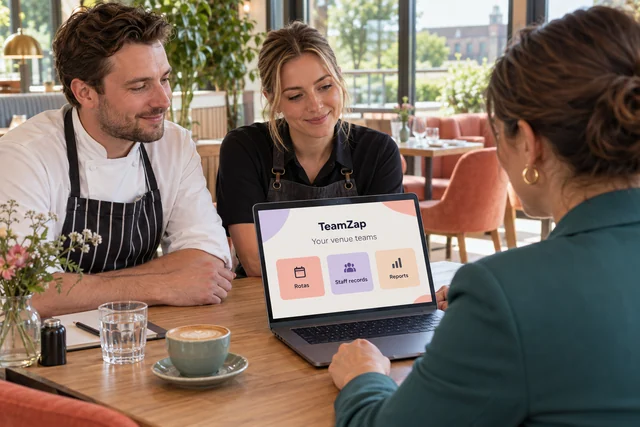
Bring every part of the venue into the same working week.

Keep kitchen, floor and changing service plans in sync.

Plan weekend cover and keep track of late finishes.

Organise early opens and part time teams with less chasing.
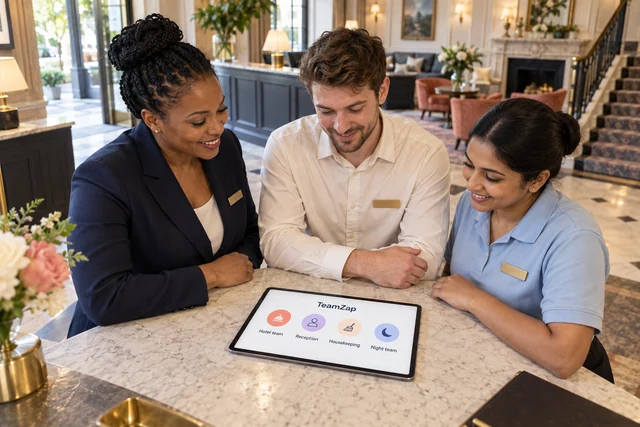
Connect day teams, night teams and the records behind them.

Keep cover requests, staff records and training in view.

Organise branch rotas, seasonal starters and store updates.
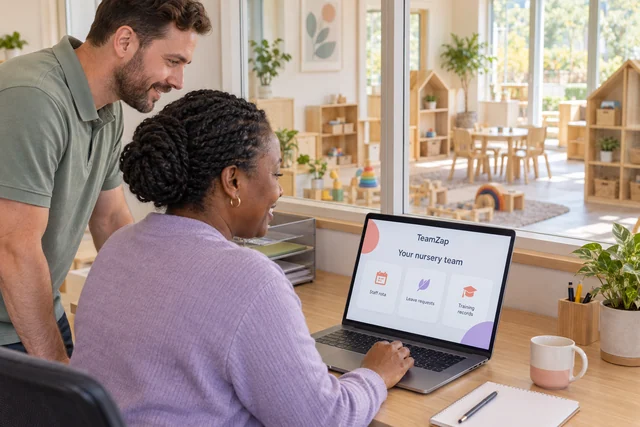
Connect staff rotas, qualifications and policy acknowledgements.
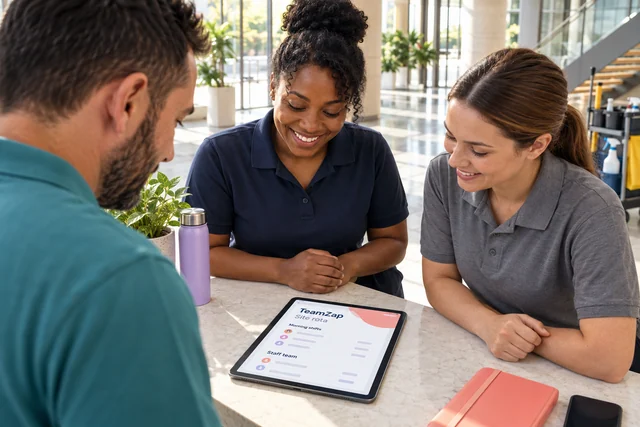
Review attendance and hours across dispersed workplaces.
TeamZap uses HTTPS encryption to protect information in transit, with additional encryption for sensitive employee fields in storage. Permissions and optional two factor authentication help control access. Individual data exports, erasure requests and consent records support your GDPR responsibilities.
Read about security →TeamZap is an HR platform for shift based businesses. It brings attendance, rotas, annual leave, staff communication and employee records together, with a mobile app for your team.
NFC is the short range technology that lets a phone read a nearby tag. With TeamZap, a member of staff taps a supported phone against a workplace NFC sticker, opens the clock in page and confirms. The sticker is passive: it needs no power or wiring.
A geofence is a virtual boundary around your workplace. When an employee clocks in and location is available, TeamZap compares the phone’s reported position with that boundary. Your attendance report shows inside, outside or not checked.
No. TeamZap records the event and its location result for you to review. It does not block an off site clock in. Phone location can be unavailable or imprecise, so a location result needs context.
No. Mobile clock in is available through the employee app. NFC is an additional way to start the clock in journey at the workplace. A compatible phone and an activated sticker are needed for NFC.
View their published rota and shifts, request swaps, claim open shifts, apply for annual leave, check their leave balance, read messages and see workplace notices.
TeamZap is free for early customers during our introductory period, with everything included and no payment card required. If we introduce pricing, we’ll tell you well in advance. Contact us about NFC sticker availability for your workplace.
TeamZap prepares payroll ready exports from approved timesheets. Your payroll software handles payroll processing and filing.
Your next shift starts here
Create your TeamZap account and bring attendance, rotas, annual leave and staff communication into one HR platform. Invite your team and start building a simpler working day.
Create your free accountFree during our introductory period. No payment card required.
If we introduce pricing, we’ll tell you well in advance.