TeamZap / HR software for restaurants
Restaurant HR that keeps up with service.
The kitchen starts early. Service finishes late. Your staff admin should keep up with both. TeamZap connects rotas, attendance, shift cover and employee records, so managing the team does not depend on a collection of spreadsheets and messages.
Free during our introductory period. No payment card required.

Attendance & payroll
A busy service should not leave you guessing the hours.
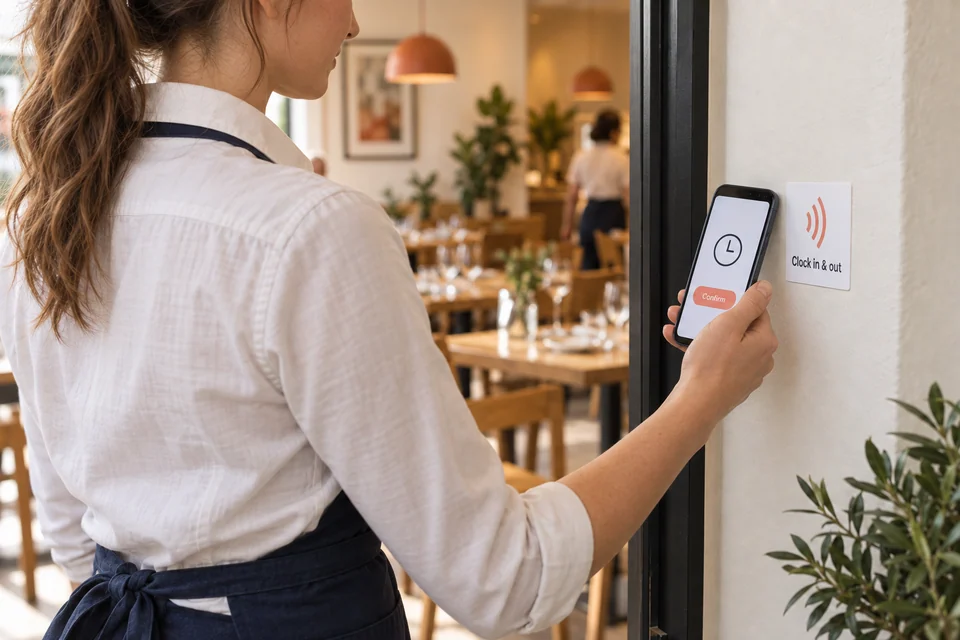
The rota shows the plan. Attendance records show the hours your team recorded. Staff tap a workplace NFC sticker with a supported phone, open the clock page and confirm. They can also use the TeamZap app.
Review arrivals, breaks and finishes in the timesheet, including those evenings when service runs beyond the scheduled shift. Approve the hours before preparing the payroll handover.
Explore Attendance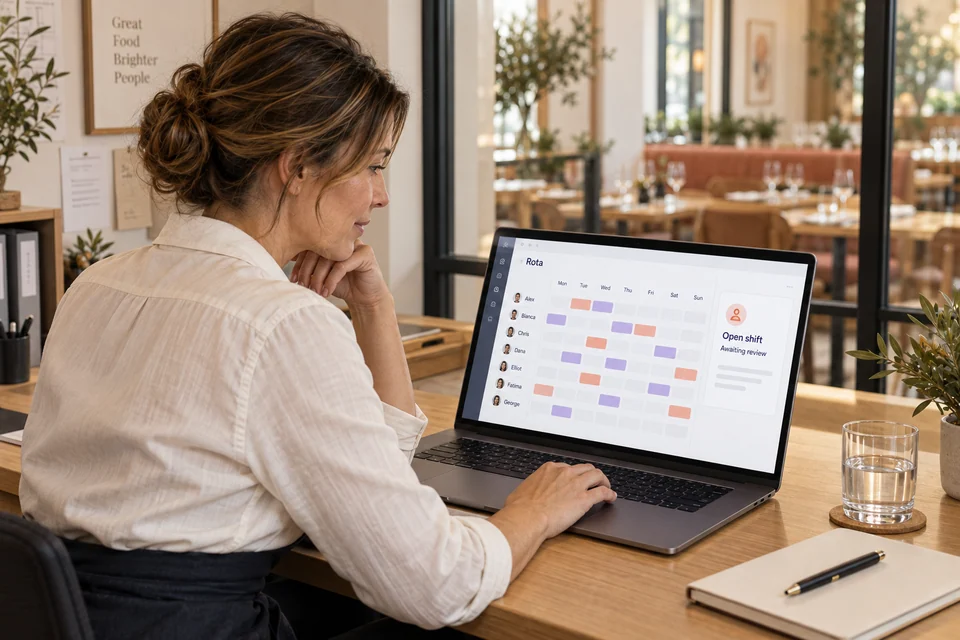
Rota & shift cover
Cover the shift without losing track of the decision.
A kitchen shift needs cover. A member of the floor team wants to swap. Bring both requests into the rota workflow.
Staff can claim open shifts and request swaps through the app. You review the request before the assignment changes. Published shifts give the team a place to check the agreed plan.
Explore Rota & Scheduling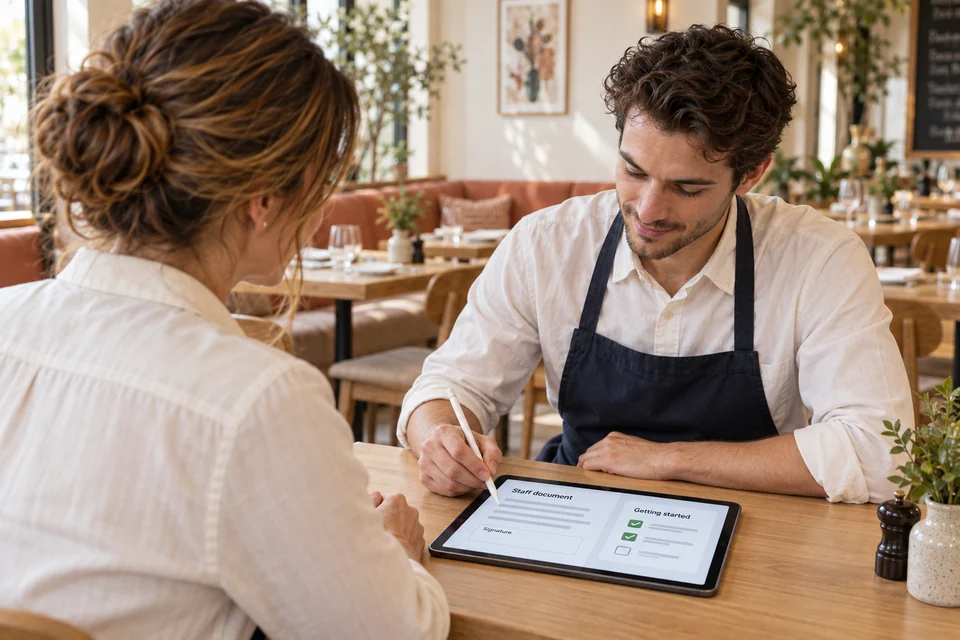
Employee records & onboarding
Make joining the team easier than collecting the paperwork.
Create the employee record, identify missing details and assign the relevant document package. Follow signature status and starter checklist progress in TeamZap.
Keep training records alongside the person’s information, so a new starter’s paperwork does not disappear once their first service begins.
Explore HR Documents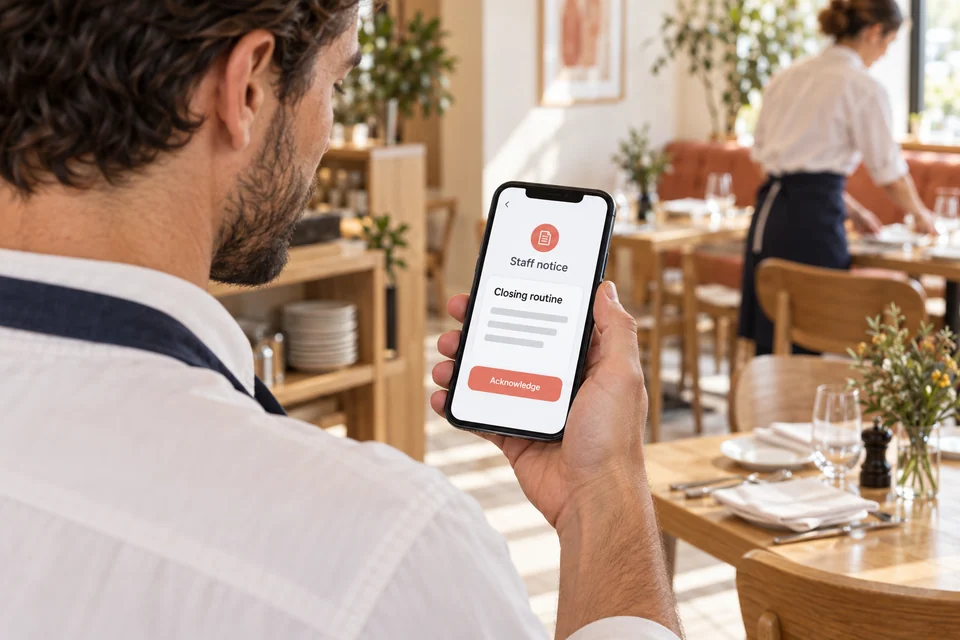
Messaging & notices
Keep the next service informed.
Use team conversations for everyday coordination and notices for updates staff need to find again. An updated closing routine or workplace policy can stay available to people who were not on the previous shift.
For notices requiring acknowledgement, managers can see the recorded responses and follow up.
Explore Messaging & NoticesHow can my team clock in easily when they arrive for service?
Place an activated NFC sticker at your staff entrance. Employees tap it with a compatible phone, open the clock page and confirm. They can also clock in through the TeamZap app. Their recorded starts, breaks and finishes are available for timesheet review.
If you use geofencing, TeamZap also compares available phone location with a virtual boundary around the restaurant. An inside, outside or not checked result gives you context for reviewing attendance. It does not block an outside clock in or prove someone’s identity.
Can I build next week’s kitchen and floor rota without starting again?
Copy a previous rota, then adjust the shifts and roles for the week ahead. TeamZap helps you review approved leave, overlapping shifts, rest periods and skills warnings before publishing. Staff see the published shifts in their app, giving them a place to check the agreed plan.
A chef calls in sick before service. How can I organise cover?
Create an open shift for staff to claim through the app, then review the claim before confirming the assignment. Staff can also request swaps. You decide whether the person and arrangement are suitable, and manager approval keeps the change connected to the rota.
How do I decide a holiday request when other staff are already away?
Review the request alongside the leave calendar and the employee’s remaining balance. Staff submit requests through the app, and approved leave feeds into rota checks. You can see the absence information while deciding the request and arranging the cover your restaurant needs.
Service ran late. How do I get the right hours ready for payroll?
Review recorded clock out times and breaks, resolve exceptions and approve the timesheets. Then prepare the pay period, check allowances and deductions, and lock and export the reviewed information. TeamZap organises the preparation; your payroll process handles employee payments and statutory filing.
How do I get an important update to staff who only work weekends?
Publish a workplace notice they can find in the TeamZap app when they next check it. Require acknowledgement when you need a recorded response, then see who still needs to acknowledge it. Use direct messages, groups or channels for conversations, and manager announcements for wider updates.
Can I see what a new starter still needs to complete?
Review missing profile information, assign the relevant document package and follow signature status. An onboarding checklist keeps the joining tasks visible. Keep training and qualification records with the employee too, so you can review the evidence you hold and identify what needs follow up.
How do I keep opening and closing organised when different people are on shift?
Create a checklist for your restaurant’s routine and assign it to the relevant staff. They can follow the steps and record completion in TeamZap. Managers review progress and follow up on unfinished items, giving the routine a clearer record than a verbal handover alone.
Where can I review staff hours and labour costs across my restaurants?
Use Time and Money reports to review the recorded workforce information, with reporting by location. Export relevant reports or arrange supported scheduled email delivery for regular reviews. The figures give you a starting point for investigating hours and costs at each restaurant.
Can staff submit receipts for kitchen supplies without sending me separate photos?
Staff add expense items and receipt evidence to a report in TeamZap. Managers review the submission through the approval workflow, using the relevant expense policy. Mileage can also be recorded in the expense process. The claim details and decision stay together; approval does not automatically transfer money.
HR software for your restaurant team
Bring the team together before the next service.
Give staff a simpler way to record attendance and check shifts. Give managers one place to organise the work behind the service.
Create your free accountFree during our introductory period. No payment card required.
If we introduce pricing, we will tell you well in advance.